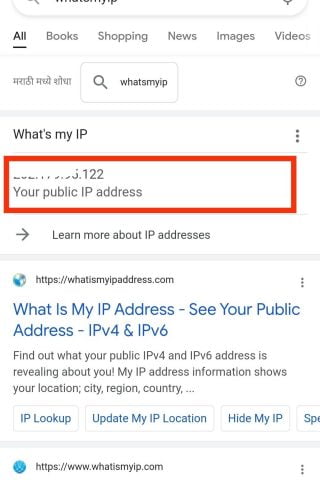
Step1. First, type whats my IP on Google.
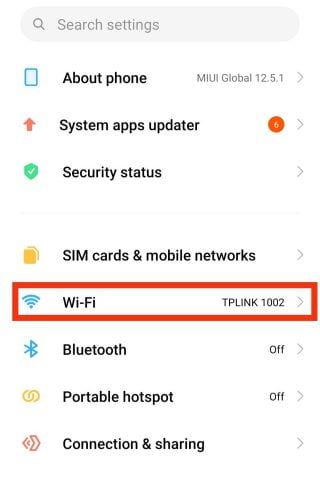
Step 2. Open your Android Settings.
Step 3. Tap on Wi-Fi Network.
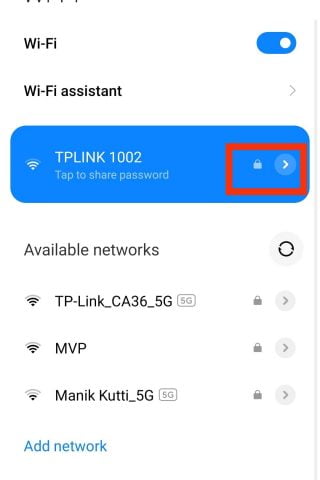
Step 4. Tap and hold the Wi-Fi Network Name.
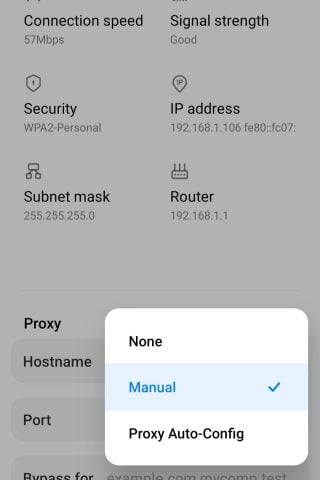
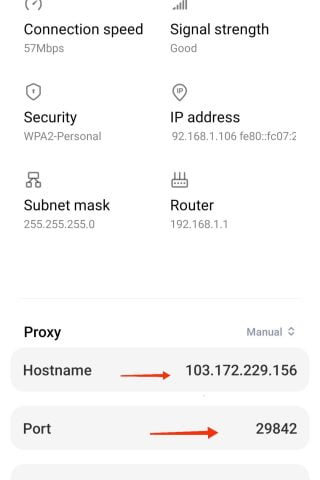
Step 5. Click on Proxy Options & Then Select Manual.
Step 6. Tap on Hostname and Also add Port.
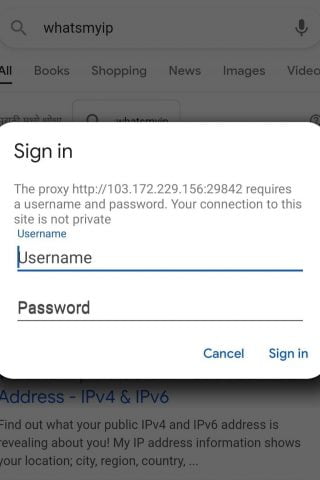
Step 7. Then visit Google and you will see the sign-in option.
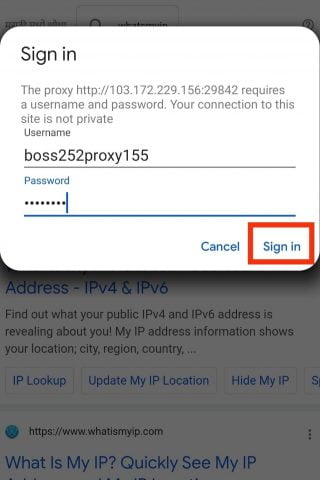
Step 8. Fill username and password and then sign in.
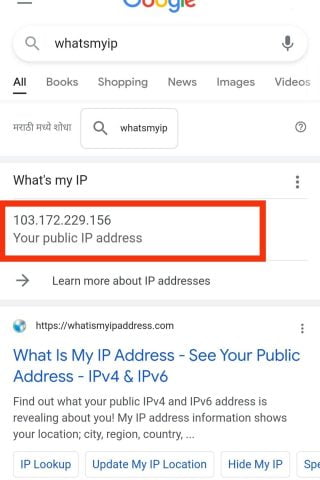
Step 9. Then type whatismyip on Google and you can see your IP Address is changed.