

You log in to Instagram one morning and see “We detected a suspicious login attempt.” Or worse, “Action Blocked.” Nothing looks different on your end. But you manage five client accounts from one laptop, and Instagram sees five accounts sharing one IP address.
And that’s precisely what Instagram proxies do. A proxy server provides an IP address to each account so that it appears as if the activity is happening from different locations rather than one congested location.
Unfortunately, the market is far from being clear-cut. Some people would even try to sell you used, marked proxy IPs as “premium.” Then there are those who will conceal the actual information from you. Here is your guide on how to spot good proxies and where to purchase them.
What Are Instagram Proxies?
The Instagram proxy acts as an intermediary between your system and Instagram. This means that while logging into your account, Instagram will see not your real IP address but that of the proxy.
Think of mail forwarding. Your letters still reach you. They carry a different return address.
For Instagram, the type, location, and history of that IP matter a lot. That’s why not every proxy works.
Why Instagram Cares About Your IP
Instagram uses many trust signals, and your IP address is one of them. Instagram checks the following:
- Where the IP is located, and whether that location keeps jumping
- Whether the IP belongs to a home internet provider or a hosting company
- How many accounts log in from the same address
- How that IP behaved before you got it
Log in from Mumbai in the morning and from Texas at lunch, and you’ll probably get a security check. Put ten accounts on one IP, same story.
Who Actually Needs a Proxy for Instagram?
Not everyone does. If you run one personal account from home, you can skip this.
A proxy for Instagram makes sense if you are:
- A social media manager or agency handling several client accounts
- Doing brand analysis of how its advertisements and content look in other nations
- A creator who travels and wants a steady home-country IP
- A team sharing one office network across many logins
- Someone who needs an Instagram unblock proxy because the app is blocked on a school, office, or regional network
Scale is the reason Instagram’s defenses are strict. Meta reported that Instagram passed 2 billion monthly active users in 2022, and its systems are tuned to catch anything that looks off, including odd IP patterns.
Here is an illustration of what I mean. Suppose that there is one office with 10 client accounts in an agency. For Instagram, this means ten accounts on one IP with similar device signatures. Each client is assigned a static IP in their home country, and the problem is solved.
An honest comment about this is that proxy servers are meant to be used for account management. They won’t help you when you spam, purchase bot followers, or use bots aggressively.
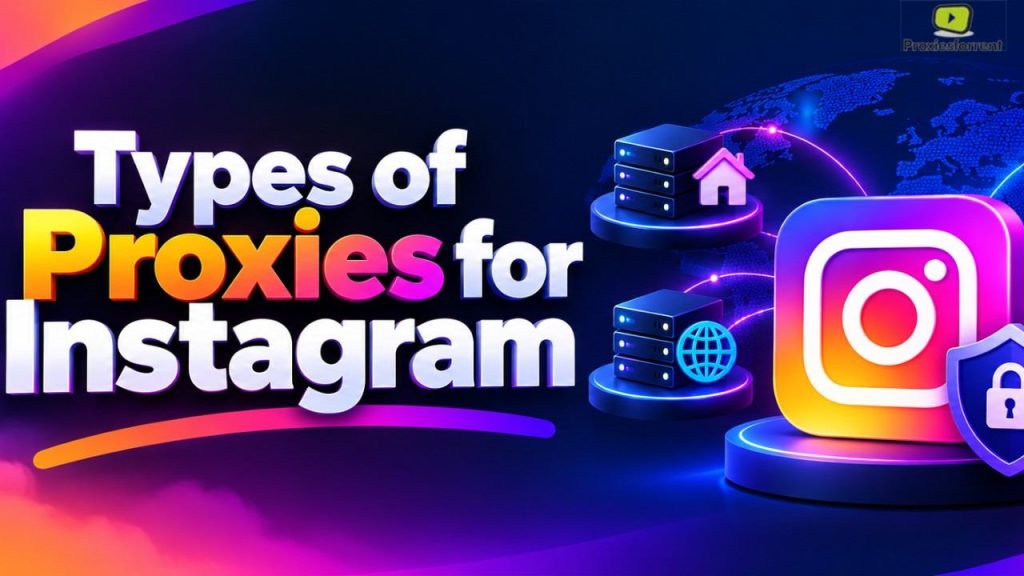
Types of Proxies for Instagram
Here’s how the main options compare.
| Proxy type | What it looks like | Best for | Main downside | Typical pricing model |
|---|---|---|---|---|
| Static residential (ISP) | A real home IP that stays the same | Long-term account management | Costs more than datacenter | Per IP, per month |
| Rotating residential | Real home IPs that change often | Geo-testing, research | IP changes can trigger login checks | Per GB |
| Mobile (4G/5G) | Carrier IP shared by many phones | High-risk, high-value accounts | Most expensive | Per IP or per GB |
| Datacenter | Hosting-company IP | Low-risk tasks, speed | Easiest for Instagram to flag | Per IP, cheapest |
Residential proxies for Instagram
Residential proxies use IPs assigned by real internet providers, so they look like ordinary households. That’s why they’re the usual first pick for logged-in accounts.
For account management, go static (sometimes sold as ISP proxies). A rotating IP means your account “moves house” every few minutes, which is exactly what you’re trying to avoid.
Private proxy for Instagram vs. shared
A private proxy is one only you use. A shared proxy splits one IP among several customers.
With shared IPs, a stranger’s spammy behavior can damage the IP’s reputation, and you pay the price. For anything tied to a real account, dedicated is safer.
Why datacenter proxies usually struggle
IPs used by data centers are from server farms and not from residences. Instagram is aware of all these IP addresses. They can be used for light activity and not logged into the account.
A rough sense of cost, based on common market ranges and not any one provider’s price list: rotating residential plans often run a few dollars per GB, while static residential IPs often run a few dollars per IP each month. Mobile proxies sit well above both.
How to Select the Right Instagram Proxy Provider
Everyone pretends to have the best Instagram proxies. How do you know which is truly the best?
Check IP quality first.
The quality of IPs is far more important than IP pools having many IPs. It’s worth asking the provider where they get their IPs from and if they check for blocklists.
Match the location to the account.
If you are based in the USA, it is recommended that you connect to a USA IP address, preferably one near you. Having a USA profile connecting from another country raises suspicions.
Look for dedicated, static options.
A proprietary IP is what you need. If a provider cannot distinguish between a dedicated and a shared IP, move on.
Confirm compatibility
Reliable providers offer HTTP/HTTPS and SOCKS5 protocols and are compatible with popular applications such as anti-detection browsers and mobile proxy settings. Verify that prior to payment.
Read the refund and support terms.
The quality of Instagram proxies is tough to determine unless you try them out. A good trial period or refund guarantee helps. Also, look for a support team that communicates clearly.
Watch for red flags.
- Promises of “unbannable” or “100% safe” IPs. Nobody can guarantee that.
- Prices far below the market with no explanation
- No information on IP sourcing
- No way to contact a real person
How to Buy an Instagram Proxy: Step by Step
Ready to buy an Instagram proxy? Follow this order, and you’ll avoid the usual regrets.
- Count your accounts. Decide how many you manage and where each is based.
- Pick the type. Static residential fits most people exactly right.
- Shortlist two or three providers. Compare quality of IP, location, support and refund policy.
- Start small. Buy one or two IPs, not fifty.
- Test the IP. Use a free IP lookup tool to confirm the location, the ISP, and that it isn’t blocked.
- Run a trial week. Use it on one account with normal activity before you scale up.
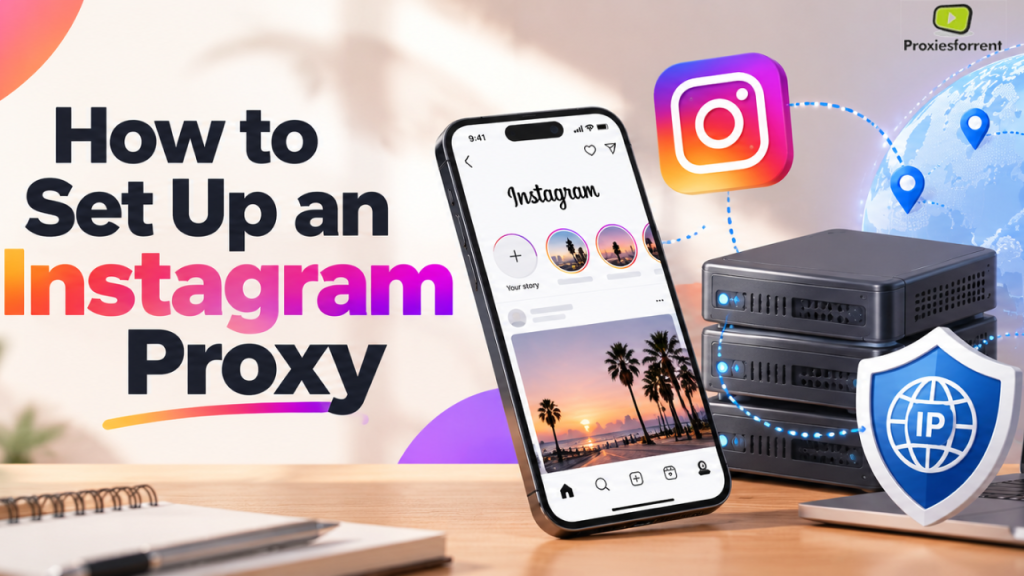
How to Set Up an Instagram Proxy
Setup is simpler than most people expect. You’ll get a host, port, username, and password from your provider.
- On desktop: Enter those details in your browser profile or anti-detect browser.
- On your phone: Add them in your Wi-Fi network’s proxy settings, or use a proxy app.
Here are some practices that you should follow. Use only one IP per account. Don’t change your IP for each login session. Match the time zone and language of the account with that of the proxy. Also, log in lightly during the first few days.
Common Mistakes to Avoid
Using free proxies.
Public free proxies are shared by huge numbers of people, run slowly, and may log your traffic. You’re typing your Instagram password through someone you don’t know. Not worth it.
Changing IPs constantly.
Stability looks natural. Constant switching doesn’t.
Mismatched locations.
A US business account on an IP from another continent is a classic trigger.
Cramming accounts onto one IP.
It defeats the point.
Treating a proxy as a shield for bad behavior.
A proxy fixes the IP problem. It does nothing about mass following, copy-paste comments, or other spammy habits.
Key Takeaways
- Instagram proxies give each account its own IP, which helps avoid blocks caused by shared or mismatched addresses.
- Static residential (ISP) proxies are the best fit for most account management.
- Private, dedicated IPs beat shared ones because no stranger can damage your IP’s reputation.
- Match the proxy’s location to your account’s location.
- Begin with a small-scale strategy and an obvious return policy, followed by expansion post-trial period.
- There is no service that can assure you of an IP ban-resistant, and proxy servers are not an excuse for spamming.
FAQs
What are the best proxies for Instagram?
Best Instagram proxies include residential/ISP proxies since their IPs appear to be legitimate home IPs. Another good type of proxy is mobile proxies, which are relatively expensive, while datacenter proxies are affordable, although Instagram can detect them easily. Ensure you select a single clean IP from the same country where your account was created.
Are Instagram proxies legal?
It’s generally legal to use proxies in most parts of the world. However, the question here is how the proxy will be used. It’s okay to use a proxy to manage your accounts and those of your clients. Actions that could lead to a breach of Instagram’s terms will result in account bans.
Can I use one proxy for multiple Instagram accounts?
It is possible, but you take a risk. The use of multiple accounts through a single IP address does not look natural to Instagram. The safe practice here is to assign one IP address to one account, and at most a few to accounts belonging to the same company.
Are residential proxies better than data center proxies for Instagram?
Most of the time, yes. Since residential proxies have genuine IPs provided by real Internet service providers, they appear to be just like any regular user. On the other hand, data center IPs are issued by the host provider; therefore, Instagram tends to mistrust such proxies.
How do I buy an Instagram proxy?
Select a proxy type, select an appropriate location according to your account, and evaluate providers based on the quality of IPs, customer support, and refund policy. Begin with a basic package, use it with one account for several days, and expand gradually. Do not opt for any company offering “unbannable” IPs, because there is no such thing.
Do I need a private proxy for Instagram?
A private proxy, where only you utilize it, would be more appropriate for use on Instagram because using shared proxies may lead to other people affecting the reputation of the IP, which would affect you through account checks.
Can a proxy unblock Instagram?
Yes, but this can be done only if your IP address/country is blocked. A proxy server can help here because it will route your traffic via other servers, making Instagram believe that you are in another place. Nevertheless, it cannot unblock your Instagram account if you are banned from using it.
Will a proxy stop my Instagram account from getting banned?
No. Using a good proxy eliminates one danger: your IP being blocked or flagged. Using it will not stop you from spamming due to over-following and over-commenting. Just imagine it as a safety belt and not as an encouragement for you to drive carelessly.
Proxies for Instagram will not save your bad strategy. Still, at least they can get rid of one big problem – problems with your IPs being identical, shared, flagged, or just inappropriate, which results in you being blocked and facing a security check. In most cases, a residential, static IP from your country is the first thing to consider.
Choose the service taking into account the quality of IPs, terms of use, and proper customer support, and not according to the best-looking offers. Start small and give it a week-long trial before going full-on, only after making sure that everything is working. Your Instagram proxies will do the rest quietly.
Ready to Get Started?
Private location-matching IP addresses are what you need for your accounts. Consider using the residential and private proxies on proxiesforrent, choose a location that matches your Instagram accounts and start by ordering a smaller package to test the connectivity.